Calculate it from the geometry you know. Design it around the working positions you need. Or let the Solver find it from your constraints. Everything below is the real product.
Enter what’s on the drawing — wire diameter, outside diameter, free length, end type, material from the built-in IST database — and everything recalculates as you type: rate, solid length, stress at every position, natural frequency, weight.
The stress data grid flags anything unsafe in red, the Goodman diagram gives the fatigue verdict for your duty cycle, and relaxation and EN/DIN/BS tolerances are one click each.
Don’t know the geometry? Switch the design option and work from what the application needs instead: two operating positions — say 120 N at 30 mm and 280 N at 22 mm — and the engine derives the geometry that delivers them.
In this example we’ve entered those operating positions, the available outside diameter space and just iterated through a couple of wire sizes to find a good solution.
Or describe the job in plain English on the Design Wizard’s AI page — hole and rod sizes, loads, duty — and it fills in the constraint boxes and objective for you, ready to check before anything runs.
One click hands it to the Solver, which searches the whole design space for springs meeting every constraint, optimised for whatever matters most: lightest, shortest, stiffest, longest fatigue life.
Here you can see how we’ve increased the output by changing one of the inputs to allow a prestressed spring, and we show the other optimisation directions. Then we can transfer to the Validation window to fully analyse the spring.
The walkthrough above shows a compression spring, but Calculate and Design work the same way for every type — each with the specifics that matter.
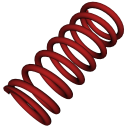
The full story above — plus the Solver with its AI-assisted wizard, and Goodman fatigue and relaxation from our own laboratory data.
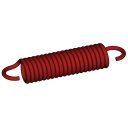
Loops usually fail first, so loop stress gets its own Goodman diagram. A wide range of end forms and options models complex real-world springs — and every one exports to CAD.

Leg lengths, angular working positions, torque and wind-up diameter reduction — single and double torsion, round or rectangular wire.

The progressive rate as coils bottom out, the transition point, and telescoping right down to solid — calculated, not approximated.
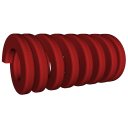
Die springs and anything else that has to pack maximum load and rate into minimum space — square or rectangular section, wound on flat or on edge.
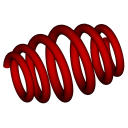
Barrel, hourglass, dual-pitch — define the profile coil by coil in the graphical editor and the element-based engine models every coil individually.
Whichever route you take, the outputs are the same professional set.
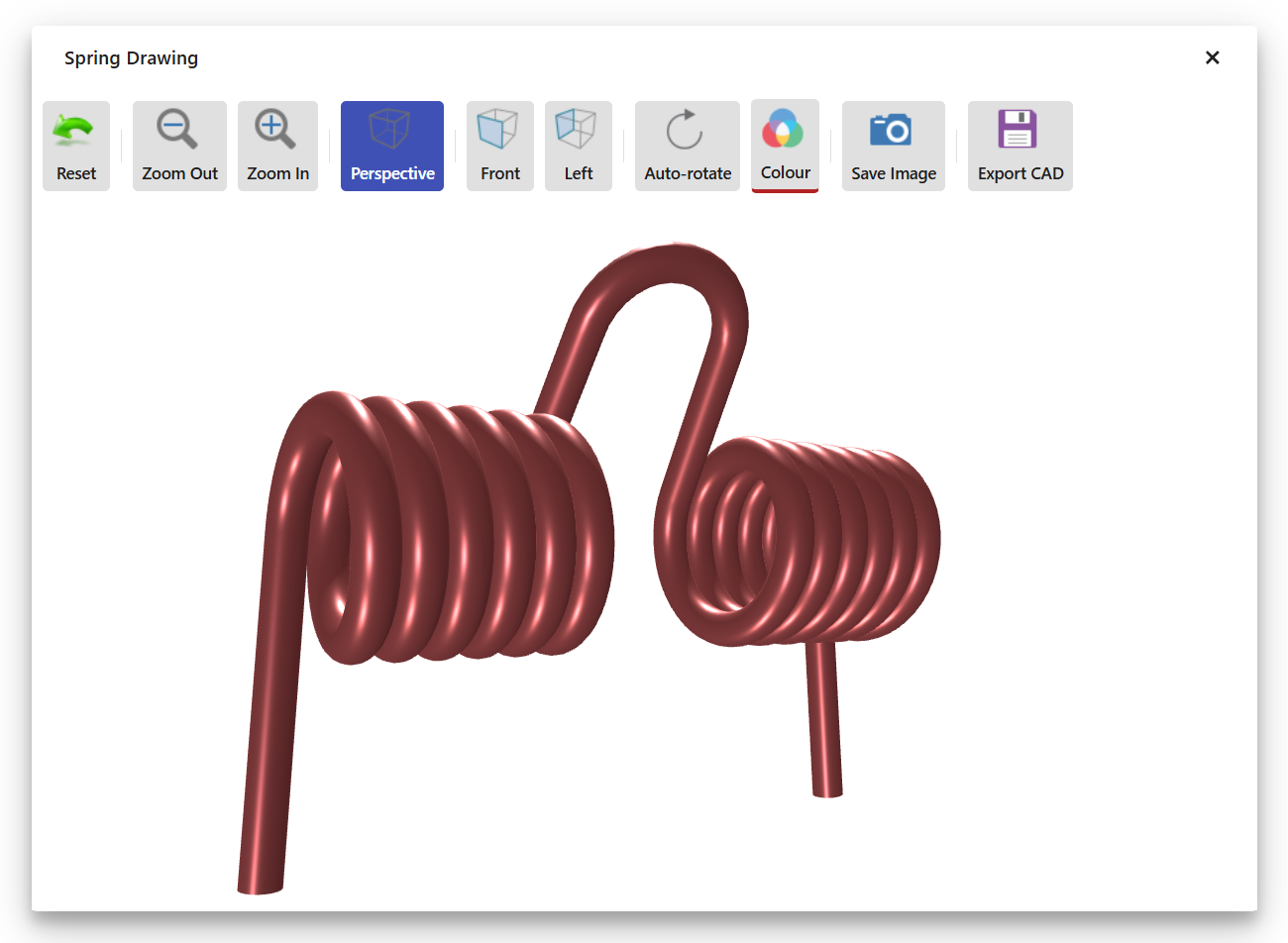
Redraws with every change. Show it at free length, any working position or solid. This one’s real — drag it.
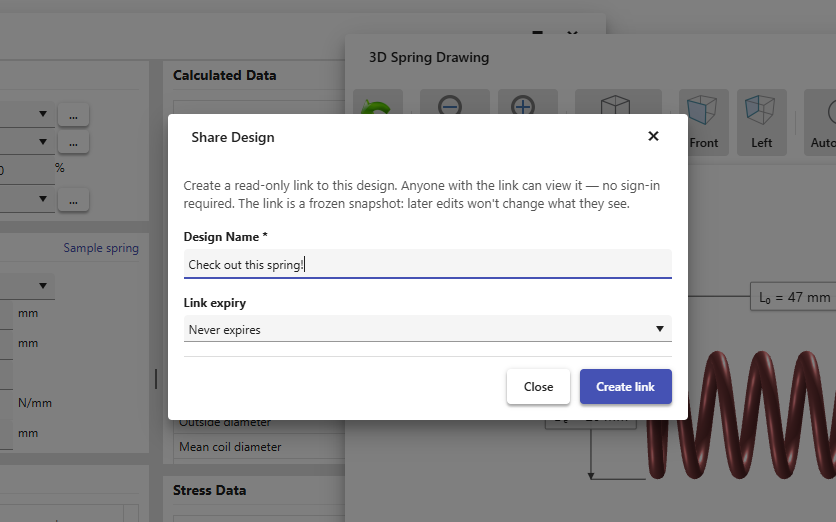
Customers and colleagues open the spring, 3D model and every result in their browser — no login, nothing to install.
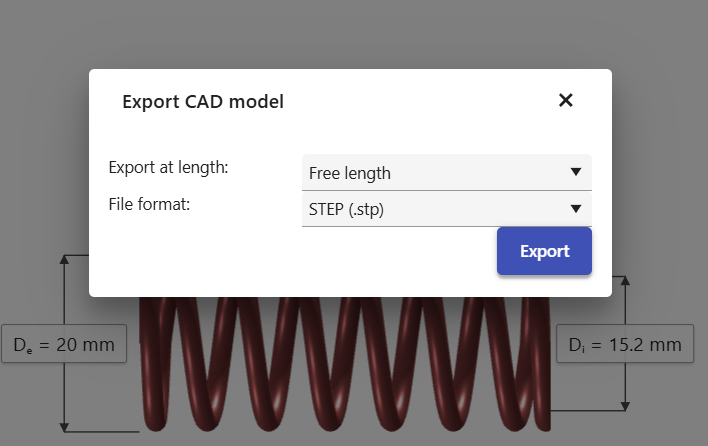
STEP / IGES geometry at any working length, plus print-ready PDF reports of the full design.
Six spring types, live 3D, sharing and CAD export — from £39/month, cancel any time.